

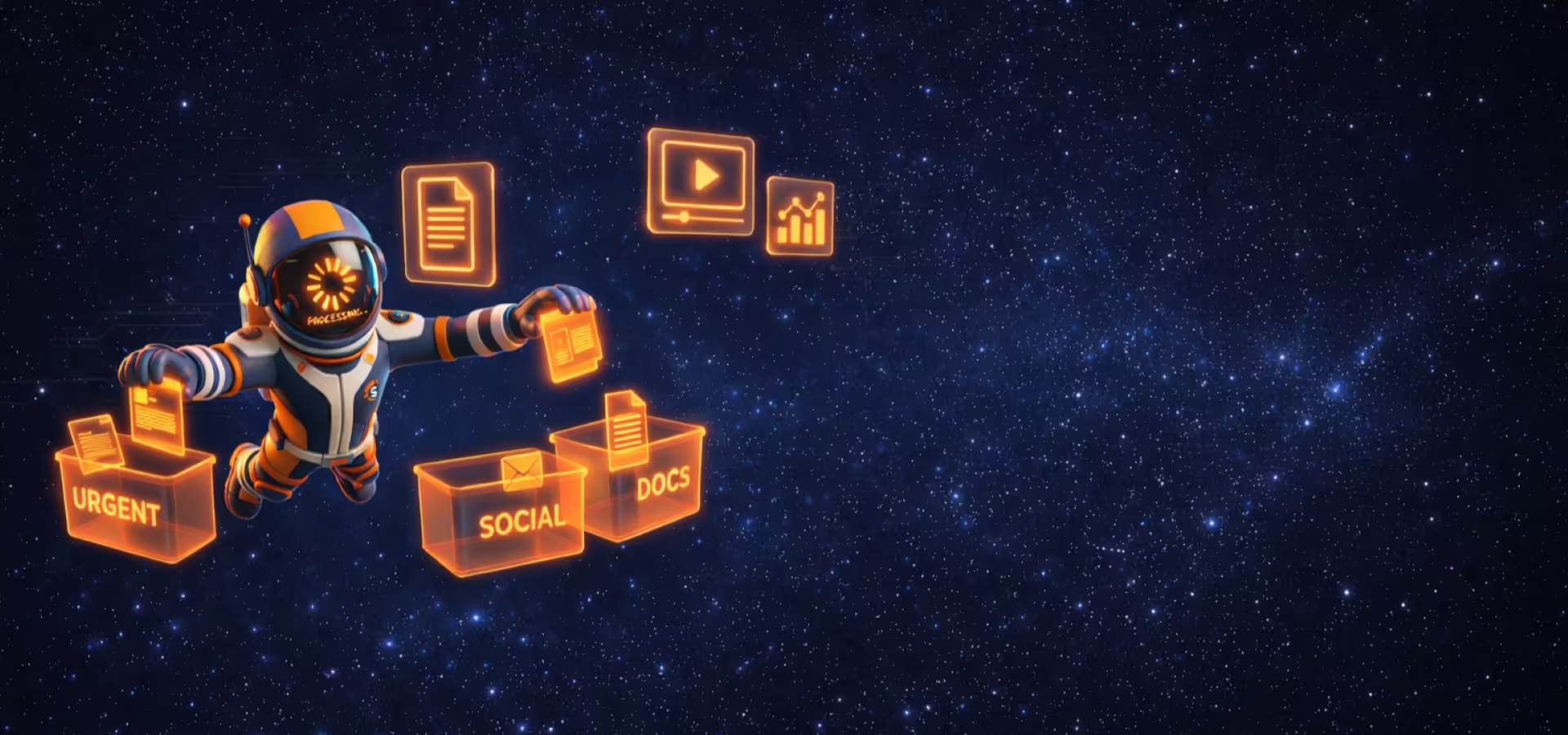
Why Bookmarks (and Screenshots) Fail
You save links, screenshots, and ideas with good intentions. Then they quietly disappear forever.
- Hundreds of saved links and screenshots you never open again
- You forget why you saved something
- Everything feels equally important — so nothing is
- "Read later" lists and photo folders that quietly rot
SignalBoy Changes That
Every piece of content you save — links, screenshots, notes — is processed immediately, summarized, prioritized, and remembered with context.
- Instant summaries — even from screenshots
- Clear priority — what's urgent, interesting, or skippable
- Ask questions anytime, get answers with sources
How SignalBoy Works
Three steps from chaos to clarity.
Capture
Save anything in one click
Posts, articles, videos — the moment you find them.
AI Triage
AI processes everything
Summary, priority, tags, and why it mattered to you — automatically.
Ask Your Library
Ask real questions
Get answers across months of saved content — instantly.
Talk to Your Library
Stop searching. Start asking.
Your saved content becomes a personal knowledge base. Ask natural questions and get clear answers with sources.
Example queries
- Find exact details across everything you saved
- Get answers without reopening old links
- Connect ideas across time and sources
I reviewed everything you saved in March and found a few clear priorities:
- •3 articles about AI tools you bookmarked multiple times
- •2 Instagram posts you revisited
- •1 long article you saved late at night and never finished
The most important theme was "using AI to save time."
Want a short summary or a deeper breakdown?
Knowledge comes to you.
You don't have to ask to know. SignalBoy analyzes your new screenshots and links every week, sending you a condensed "Smart Digest" report.
Best of all? Every summary is interactive. Interested in point 3? Click and ask for details without searching for the source.
Regular Insights
You save, we connect the dots.
Save Time
Don't browse notes, read the synthesis.
Interactive Report
Treat the summary as the start of a conversation, not the end of reading.
Your Week in a Nutshell
Mar 12-19
Tech & Strategy
3 new signalsAI Trends 2026: The Shift to Agents
TechCrunch • 12 min read
Remote Work Strategy Guide
Forbes • 8 min read
UI Inspiration
from screenshots
What You'll Actually Get
Not features. Outcomes. Outcomes that compound over time.
Your ideas stop disappearing
Every signal is saved with context. SignalBoy remembers why it mattered — even when you don't.
Learn without reopening links
Get summaries and key points without opening hundreds of tabs. Knowledge on demand.
Stop treating everything as equally important
AI prioritizes what's urgent, what's interesting, and what can wait. No more FOMO.
Connect ideas across time
Ask questions that span months of saved content. Find patterns you didn't know existed.
Loved by Early Adopters
People who save too much finally started using what they save.
"I finally stopped screenshotting things 'just in case'. SignalBoy actually remembers why something mattered."
— Mati Cudny - Early user
"The first time I asked 'what was important last week' and got a real answer — I was sold."
— Jakub Parol - Founder
"I used to have 200 tabs open for 'later'. Now, I just snap a screenshot on my phone, share it to SignalBoy, and let the AI tell me if it's actually worth my time. It's like having a personal curator."
— Anna Paciorkowska - Sales manager
"Finally, a tool that understands that not every link is a priority. SignalBoy's triage feature helps me focus on what's urgent and silences the noise of my bookmark folder."
— Adam Fizyta - Vineyard partner
Universal Mobile Capture
Unlike other tools that struggle with mobile apps, SignalBoy captures anything you can see on your screen.
If you can read it, SignalBoy can remember it. Posts, screenshots, stories, news — even content other apps can't access.
How it works on mobile
Take screenshots
Screenshot the content you want to save — one or several.
Tap Share
Open Share menu on any post or article.
Select & Send
Pick SignalBoy, see your recent screenshots, select and send.
Auto-organized
SignalBoy reads, understands, and organizes everything automatically.
No unsupported links. No copy-paste. No manual notes.
Frequently Asked Questions
Got questions? Here are answers.
Yes — on desktop. We offer a dedicated Chromium extension for one-click saving. On mobile, SignalBoy works through our app and the system Share menu.
First, take a screenshot (or several) of the content you want to save. Then tap Share on a post or article and select SignalBoy. You'll see your recent screenshots — pick the ones you want and send. Our AI reads the content and organizes it automatically.
Links break or require logins. Screenshots are permanent and universal. Our VLLM technology reads the image as if it were text, giving you the best of both worlds: a visual memory and a searchable database.
SignalBoy reads your screenshots, understands the content and context, and files them into your library so you can ask questions later.
Absolutely. Your content is encrypted and used only to power your personal library. We never sell your data or train public models on it.
Articles, posts, screenshots, PDFs, notes — if you can read it, SignalBoy can process it.
Yes! Since we use AI Vision to process screenshots, SignalBoy works with Instagram, X (Twitter), LinkedIn, and any other app. If you can see it, we can index it.
Absolutely! For YouTube, we go beyond screenshots — we automatically fetch AI-generated transcriptions of the video. This means you can search, summarize, and ask questions about video content as easily as text articles.
Yes. You can start for free and upgrade only if you need more storage or features.
Built for People Who Save Too Much
And don't have time to think about it twice.
Developers
Remember why that article mattered six months later.
Founders
Turn scattered research into strategic clarity.
Researchers
Keep insights connected across papers and time.
Knowledge Workers
Stop losing context between tabs and weeks.
Stop saving.Start knowing.
Turn your bookmark graveyard into a personal knowledge engine.